Docker
Get BuckPow running with Docker Compose in 5 minutes.
Prerequisites
- Docker Engine 20.10+
- Docker Compose v2+
Step 1 — Clone and Configure
Edit .env:
.env
APP_ENV=production
JWT_SECRET=replace-this-with-a-strong-random-string
ADMIN_EMAIL=admin@example.com
ADMIN_PASSWORD=your-secure-password
DISABLE_API_DOCS=true
Production
In production mode, JWT_SECRET is required. The application will not start without it.
Step 2 — Start Services
This starts three services:
| Service | Port | Description |
|---|---|---|
db |
(internal) | PostgreSQL 16 |
app |
8000 |
BuckPow API + Dashboard |
nginx |
80 |
Reverse proxy |
Verify all services are running:
Step 3 — Open the Dashboard
Navigate to http://localhost (port 80) or http://localhost:8000 (direct).
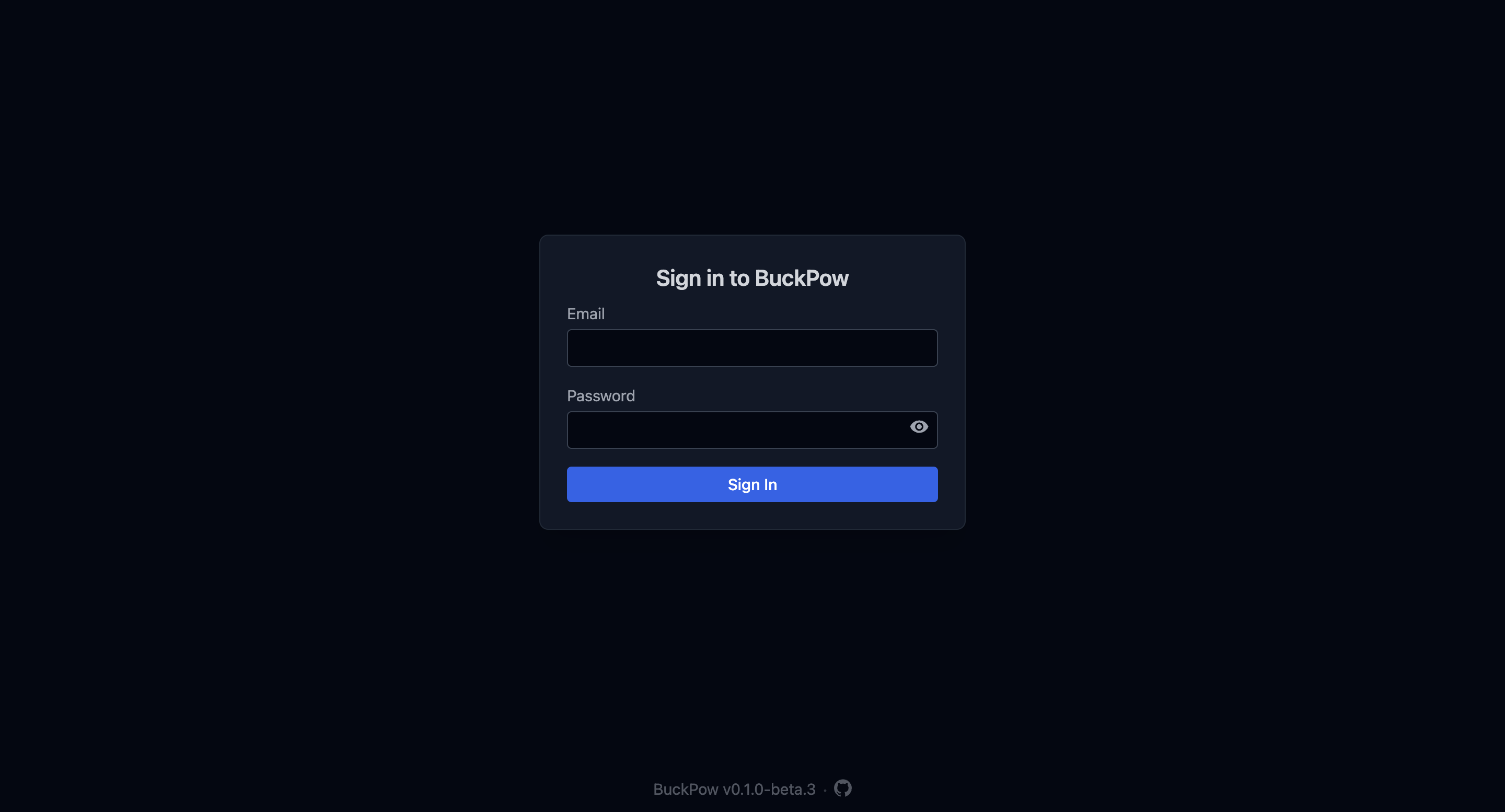
Log in with the admin credentials from your .env.
Step 4 — Send Your First Measurement
curl -X POST http://localhost:8000/api/v1/measurements \
  -H 'Content-Type: application/json' \
  -H 'Authorization: Bearer <your-api-key>' \
  -d '{
    "device_id": "esp32-01",
    "bus_voltage": 5.12,
    "shunt_voltage": 82,
    "current": 241,
    "power": 1234
  }'
The device will appear on the dashboard with a live status indicator.
Step 5 — Generate Dummy Data (Optional)
Stopping Services
To remove all data including the database:
Troubleshooting
Container won't start
Check the logs:
Database connection refused
Ensure the db container is healthy before app starts:
The app service waits for the db healthcheck to pass before starting.
Port already in use
Change the port mapping in docker-compose.yml: