Local
Get BuckPow running locally with Python in 5 minutes.
Prerequisites
- Python 3.12+
- uv (default package manager;
pipworks too)
Step 1 — Clone and Install
Step 2 — Configure Environment (Optional)
Edit .env to set admin credentials:
SQLite Default
No database configuration needed. Tables are created automatically on first startup.
Step 3 — Start the Server
Step 4 — Open the Dashboard
Navigate to http://localhost:8000.
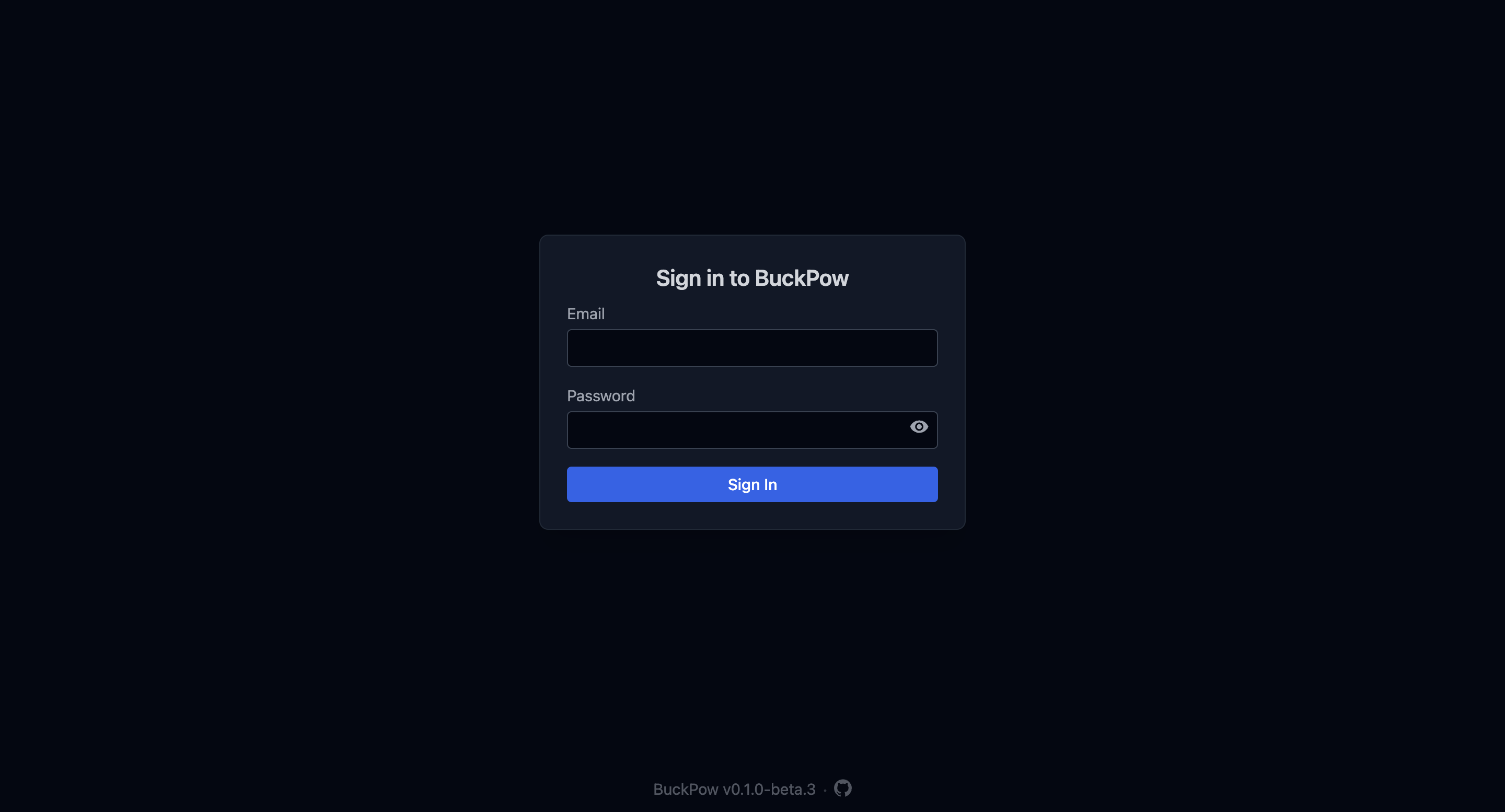
Log in with the admin credentials from your .env.
Default Credentials
If no ADMIN_EMAIL / ADMIN_PASSWORD is configured, you can still access the dashboard in development mode. Set these environment variables to auto-create an admin account on first run.
Step 5 — Send Your First Measurement
Without API key (dev mode):
curl -X POST http://localhost:8000/api/v1/measurements \
  -H 'Content-Type: application/json' \
  -d '{
    "device_id": "esp32-01",
    "bus_voltage": 5.12,
    "shunt_voltage": 82,
    "current": 241,
    "power": 1234
  }'
With API key:
curl -X POST http://localhost:8000/api/v1/measurements \
  -H 'Content-Type: application/json' \
  -H 'Authorization: Bearer <your-api-key>' \
  -d '{
    "device_id": "esp32-01",
    "bus_voltage": 5.12,
    "shunt_voltage": 82,
    "current": 241,
    "power": 1234
  }'
Auto-registration
Unknown device_id values are registered automatically as new devices.
Step 6 — Generate Dummy Data (Optional)
Using PostgreSQL Locally
If you prefer PostgreSQL over SQLite:
- Install and start PostgreSQL
- Create a database:
- Set the connection string in
.env:
- Run migrations:
Troubleshooting
Port already in use
# Check what's using port 8000
lsof -i :8000

# Use a different port
fastapi dev src/main.py --port 8001
Module not found
Ensure your virtual environment is installed:
Database errors
Admin account not created
Ensure both ADMIN_EMAIL and ADMIN_PASSWORD are set in your environment or .env file. The admin is only auto-created on first startup when both are present.